Job Interest Card
Stay Informed About Future Employment Opportunities
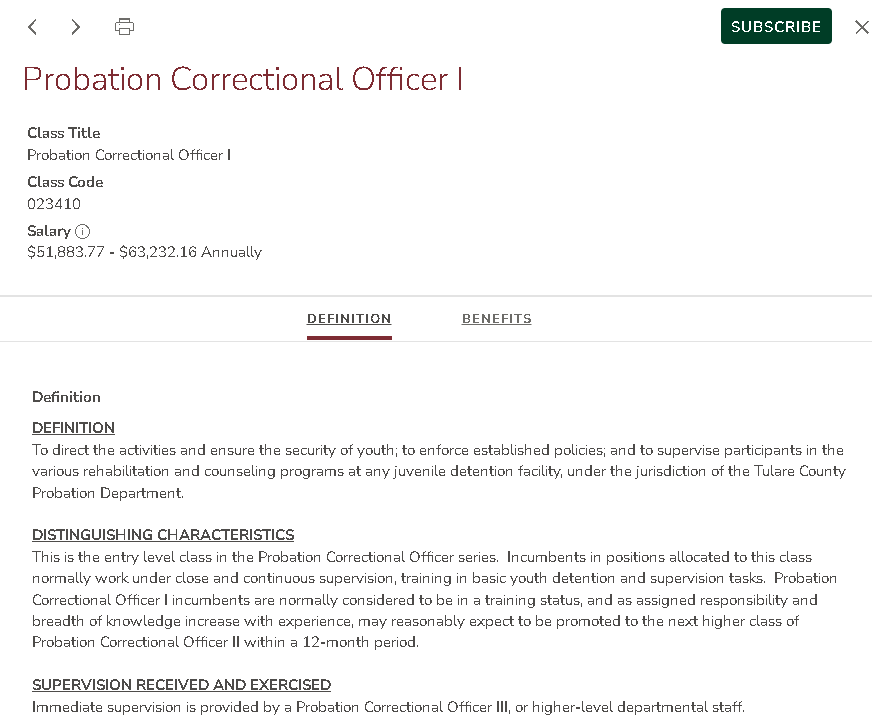
Sign up for email alerts when an employment opportunity is available. Use the Interest Card on GovernmentJobs.com to track future opportunities.
How to Subscribe for Job Alerts
- Select the desired job classification and click the green “Subscribe” button.
- Choose the job categories you want to follow.
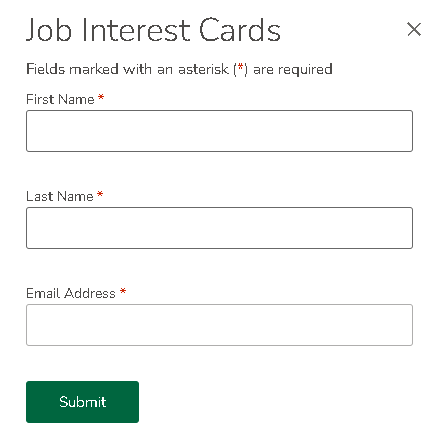
- Enter your name and email address.
- Select how long you want to receive alerts, up to one year.
- Click Submit to finish signing up.
How Job Alerts Work
You will get an email when jobs in your selected categories open for recruitment.
How to Unsubscribe
Click Unsubscribe at the bottom of any Job Interest Card email. You can also sign in to your GovernmentJobs.com job seeker account to adjust or turn off alert settings.
Important Note
Signing up for job alerts does not create an applicant account. To apply, create or sign in to your applicant account at www.GovernmentJobs.com.